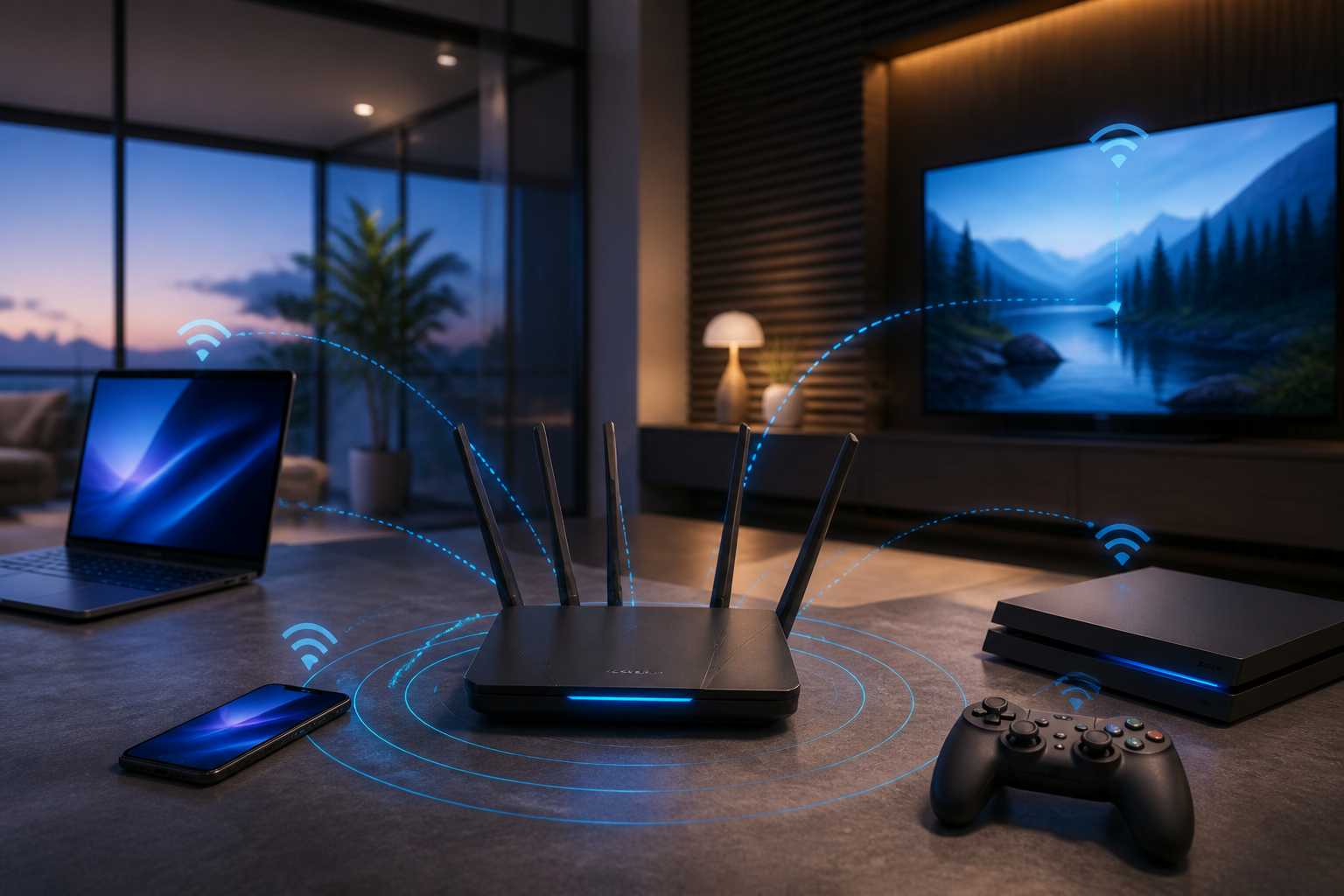
Wi-Fi 7 routers are increasingly appearing on the market, but the large numbers on their boxes often lead people to wonder: will the internet connection at home really feel much faster after the upgrade? The answer is not always. Wi-Fi 7 does bring several important improvements, but the benefits are only felt if the router, connected devices, channel width, and internet package all support it.
In other words, Wi-Fi 7 is not just a "faster" button. This technology is more like a highway that has been widened and has multiple lanes. If the cars are still small or the road to the house remains narrow, that extra capacity won't help much.
What Makes Wi-Fi 7 Different?
Wi-Fi 7, known in technical standards as IEEE 802.11be, is designed to enhance speed, responsiveness, and connection stability. The Wi-Fi CERTIFIED 7 certification program was introduced by the Wi-Fi Alliance in January 2024 to ensure that devices from various manufacturers can work with core features more consistently.
There are three features that are most often discussed.
1. Channels Up to 320 MHz
Channel width is the "bandwidth" used to transmit data. Previous generations of Wi-Fi typically used channels up to 160 MHz, while Wi-Fi 7 can support channels up to 320 MHz under suitable conditions and regions.
Wider channels can increase transfer capacity, for example when transferring large files from a laptop to a local server or accessing network storage. However, a 320 MHz channel is not always available. Frequency support, local regulations, signal interference, and device capabilities also determine whether this feature can be utilized.
2. 4096-QAM
QAM or Quadrature Amplitude Modulation is a method for packing more data into a radio signal. Wi-Fi 7 uses 4096-QAM, which is higher than the 1024-QAM used in many Wi-Fi 6 devices.
Theoretically, higher data density can increase speed. In practice, devices need to be close enough to the router, and signal conditions need to be good. When obstructed by many walls or in areas with high interference, devices typically lower the modulation to maintain a stable connection.
3. Multi-Link Operation
Multi-Link Operation or MLO allows Wi-Fi 7 devices to use more than one frequency band simultaneously, such as 5 GHz and 6 GHz. The goal is not only to increase speed but also to keep the connection responsive when one path experiences congestion.
This is one of the improvements that can be felt when many devices are active simultaneously. Laptops can make video calls, televisions can stream, consoles can download games, while smart home devices remain connected. However, MLO must be supported by both the router and client devices. A Wi-Fi 7 router paired with an older phone does not automatically enable MLO on that phone.
Real Benefits for Everyday Use
For most homes, the benefits of Wi-Fi 7 are not always reflected in skyrocketing internet speed numbers. A more reasonable impact is that the connection feels more consistent when the network is busy.
- Homes with many devices: laptops, security cameras, televisions, consoles, tablets, and smart home devices can share the network more efficiently.
- Local file transfers: moving large videos to a NAS or another computer can be faster if both devices support Wi-Fi 7 and the local network has high-speed ports.
- Gaming and video calls: better-managed latency can help reduce lag when the network is used by many people.
- Real-time devices: uses such as high-quality streaming, augmented reality, virtual reality, and interactive collaboration require a stable connection, not just high bandwidth.
However, Wi-Fi 7 cannot fix issues originating from the ISP. If the internet package is only 50 Mbps, replacing the router will not change the internet speed limit to several gigabits. Improvements may still be felt on the local network, but not on the connection to the internet.
When Does Upgrading to Wi-Fi 7 Make Sense?
Upgrading is more justifiable if you meet several of the following conditions:
- Have a high-speed internet package, especially around 1 Gbps or more.
- Use several new devices that already support Wi-Fi 7.
- Frequently transfer large files between devices at home.
- Experience network congestion when many people are engaging in heavy activities simultaneously.
- Need a wireless connection for gaming, streaming, or latency-sensitive work.
If most devices are still using Wi-Fi 5 or Wi-Fi 6 and the internet connection is not very fast, a well-placed Wi-Fi 6 router may be sufficient. In many cases, moving the router from a corner, using Ethernet cables for stationary devices, or adding access points can yield more noticeable results than purchasing the latest standard.
What to Check Before Buying
Check Device Support, Not Just the Router
Ensure that the phone, laptop, or network adapter you want to benefit from actually supports Wi-Fi 7. Labels on routers do not make all older devices gain new features. Also, check for support for MLO, the 6 GHz band, and the available channel width.
Don't Ignore Ethernet Ports
Wi-Fi 7 routers with high wireless capabilities ideally have 2.5 Gbps ports or higher. If all ports are only 1 Gbps, the speed of the wired network can become a bottleneck. This is especially important if the router is connected to a NAS, desktop computer, or multi-gigabit internet connection.
Pay Attention to 6 GHz and Home Conditions
The 6 GHz band has wider channels, but its range tends to be shorter and more easily affected by walls compared to lower frequencies. Therefore, 6 GHz devices usually work best when relatively close to the router.
Look for Certification and Update Support
Devices with the Wi-Fi CERTIFIED 7 label indicate that the product has passed interoperability testing for certified features. Additionally, check the reputation for firmware updates, the quality of management applications, and security options like WPA3. An expensive router that rarely receives updates is not a good investment.
What Does This Mean for Us?
Wi-Fi 7 is most appealing for homes that already have many devices, fast connections, and high data transfer needs. For average users, the biggest benefits may only gradually emerge as more phones, laptops, televisions, and smart home devices support this standard.
Before buying, conduct a simple check: note the speed of your internet package, the devices that often have issues, the router's location, and the activities that make the network feel slow. If the main problem is weak signal in the back room, the best solution might be repositioning the router or using a mesh system. If the issue is a congested network due to many active devices, then the capacity and features of Wi-Fi 7 become more relevant considerations.
So, Wi-Fi 7 is not a mandatory upgrade for everyone. It is a sensible choice when network needs exceed the capabilities of older devices—not just because the number "7" looks newer on the product box.
References: Wi-Fi Alliance on Wi-Fi CERTIFIED 7, Intel Wi-Fi 7 and its technical features, and Intel's explanation of Wi-Fi 7 for home and gaming use.
Sources & Further Reading
- Wi-Fi Alliance introduces Wi-Fi CERTIFIED 7
- Intel Wi-Fi 7 Series Products and Solutions
- Wi-Fi 7 for Gaming – Intel
– Rio Yotto @rioyotto