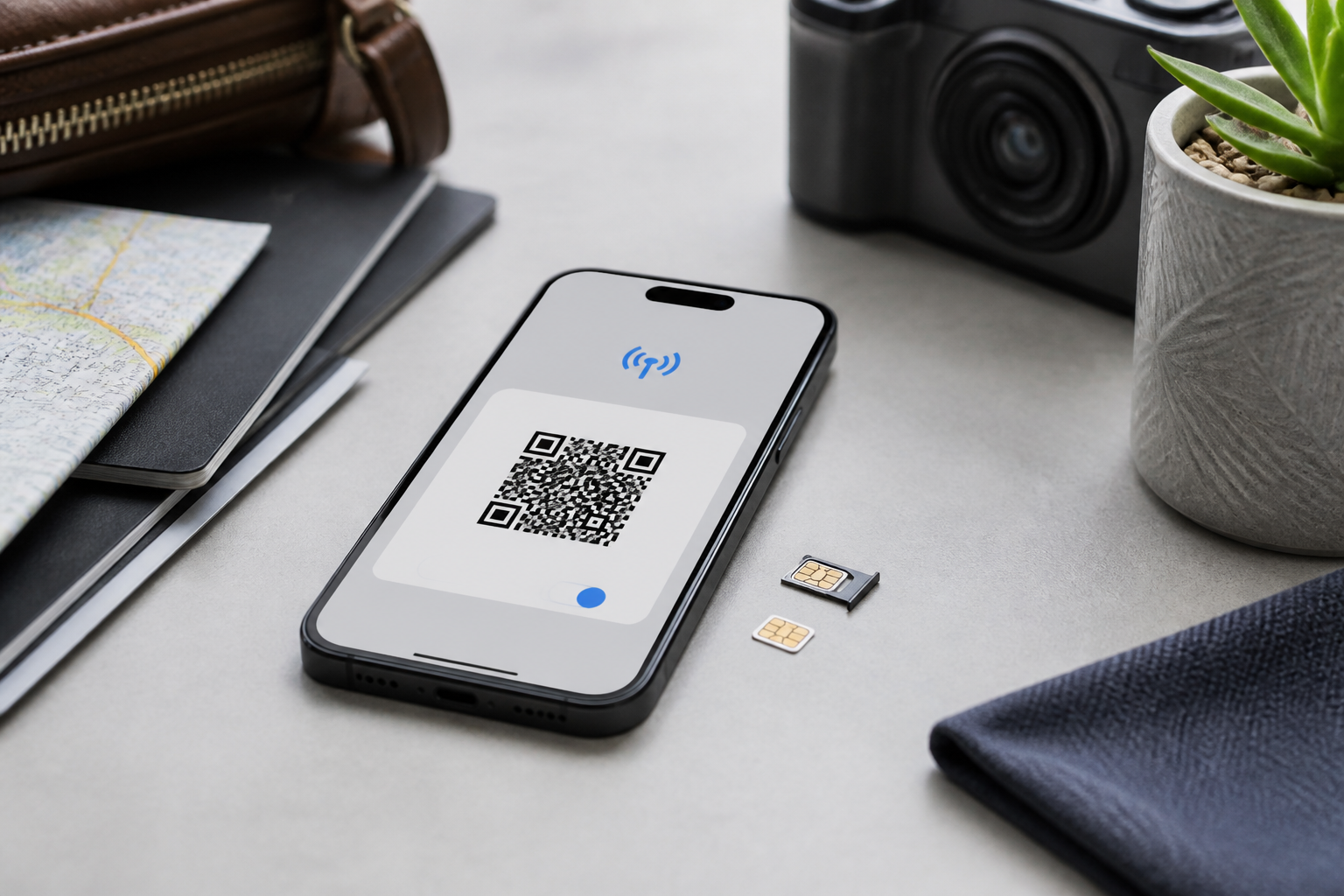
For many people, a new SIM card feels essential when transferring a number to another phone, traveling abroad, or using two numbers simultaneously. This is where eSIM starts to become appealing: mobile numbers are stored digitally within the device, so users do not need to insert a plastic card into the SIM tray.
However, eSIM is not just a "more modern" version of a physical SIM. The activation method is different, operator support is not always the same, and the recovery process when a phone is lost can become more complicated if we do not prepare for it in advance.
What is eSIM?
eSIM is a SIM module that is embedded within the device. Unlike physical SIM cards that can be removed and transferred, the eSIM profile is downloaded to the device through methods provided by the operator, such as QR code, operator app, or direct activation during phone setup.
Technically, eSIM uses standards that allow network profiles to be sent and managed remotely. GSMA explains that this approach is also used to expand connectivity on tablets, smartwatches, and other connected devices.
In everyday use, the benefits are quite tangible: there is no small card that can easily be lost, the SIM tray can be eliminated on some devices, and users can add travel data packages without having to buy a physical card in the destination country.
Six things to check before switching
1. Ensure both the phone and operator support it
The logo or specification of "dual SIM" does not necessarily mean that the phone supports eSIM. Support can vary based on model, country of purchase, device version, and the operator used.
For example, Apple states that cellular capability on iPhones depends on the model, network, and location. On Android, support also varies between series. Google notes that some Pixel phones support eSIM, but users still need to ensure compatibility with their operator.
Before purchasing an eSIM package, check the operator's official page and the device settings menu. Usually, this option is found under Cellular, Network, or SIM Manager.
2. Know the activation method and its time limits
Operators can provide eSIM through QR codes, apps, email, or automatic activation. Do not assume that all QR codes can be used repeatedly. Some operators only allow the code to be used once, so deleting the eSIM profile without preparation may require users to request a new code.
Keep the activation information in a safe place, but do not share the QR code with others. The QR code may contain information that allows the mobile profile to be installed on another device, depending on the operator's mechanism.
3. Prepare an internet connection when installing eSIM
Activating eSIM usually requires a Wi-Fi connection or an active cellular connection. This is important when users are switching devices. If the old number is deactivated before the new eSIM is active, the transfer process may be interrupted.
A safer sequence is to prepare the new phone, ensure the battery is sufficient, connect to Wi-Fi, and then start the transfer or activation. Do not delete the eSIM from the old phone until the new number can receive calls, SMS, and data.
4. Understand that transferring a number may deactivate the old device
In certain transfer features, the phone number will stop working on the old phone after the process is successful. Apple explains that eSIM Quick Transfer can move a number from an old iPhone to a new iPhone if the operator supports it. Once activation is complete, the SIM on the previous device is no longer active.
For transfers between Android and iPhone, the process may require operator assistance. Cross-platform transfer support still depends on the operator and compatible device models. Therefore, do not sell or reset the old phone before the transfer process is fully tested.
5. Do not equate eSIM with automatic security
eSIM cannot simply be removed by someone who finds the phone. This provides a slight practical advantage when the device is lost. However, the security of the number still depends on the lock screen, device account, operator account, and customer verification processes.
A simple analysis is as follows: eSIM reduces one risk, which is the physical card being transferred to another device. But other risks remain, such as the operator account being compromised, verification codes being read from notifications, or an unlocked phone being accessed by others.
The FTC recommends using a strong lock screen, keeping software updated, backing up data, and enabling device tracking features. These habits remain important, whether using a physical SIM or eSIM.
6. Prepare a plan in case the phone is lost or damaged
Physical SIMs are relatively easy to transfer to a backup phone. eSIM requires a reinstallation process or the issuance of a new profile. This is one of the differences that often only becomes apparent in emergencies.
Keep the operator's customer service number, account email, and necessary identity information for recovery. If the operator provides an app, ensure it is installed and the account can be accessed securely. Also, enable device backup and tracking features before issues arise.
When does eSIM feel most beneficial?
- Frequent travelers: travel data packages can be installed without removing the main SIM.
- Using two numbers: one number can be used for personal communication and another for work, if the device and operator support it.
- Using a smartwatch or tablet: certain devices can have their own cellular connection without always relying on a phone.
- Wanting to reduce the risk of losing a card: there is no small card to keep or transfer.
What you can do now
- Open the phone settings and look for the option to add eSIM.
- Note the device model, country of purchase, and operating system version.
- Contact the operator through official channels to inquire about costs, device support, and reissuance rules.
- Prepare Wi-Fi, sufficient battery, and data backup before starting activation.
- Test calls, SMS, and data connection before deleting the SIM or resetting the old phone.
- Do not scan eSIM QR codes from unclear sources or forward them to others.
Conclusion
eSIM offers a neater and more flexible experience, especially for users who frequently change devices, use two numbers, or need data packages while traveling. However, these benefits are only realized if the device and operator support the desired process.
So, the right question is not "Is eSIM better than a physical SIM?" but rather "Do my needs, device, and recovery plan align with eSIM?" If the answer is clear, switching can be a practical step. If not, a physical SIM remains a simple and easily recoverable option.
The technical information in this article is summarized from the official documentation of Apple, Google Pixel, GSMA, and device security guidelines from FTC. Feature availability may vary by country and operator.
Sources & further reading
- Apple Support — Set up cellular service on iPhone
- Google Pixel Help — Get a SIM and add it to your Pixel phone
- GSMA — What is eSIM for Consumer and IoT?
- FTC Consumer Advice — How To Protect Your Phone From Hackers
– Rio Yotto @rioyotto