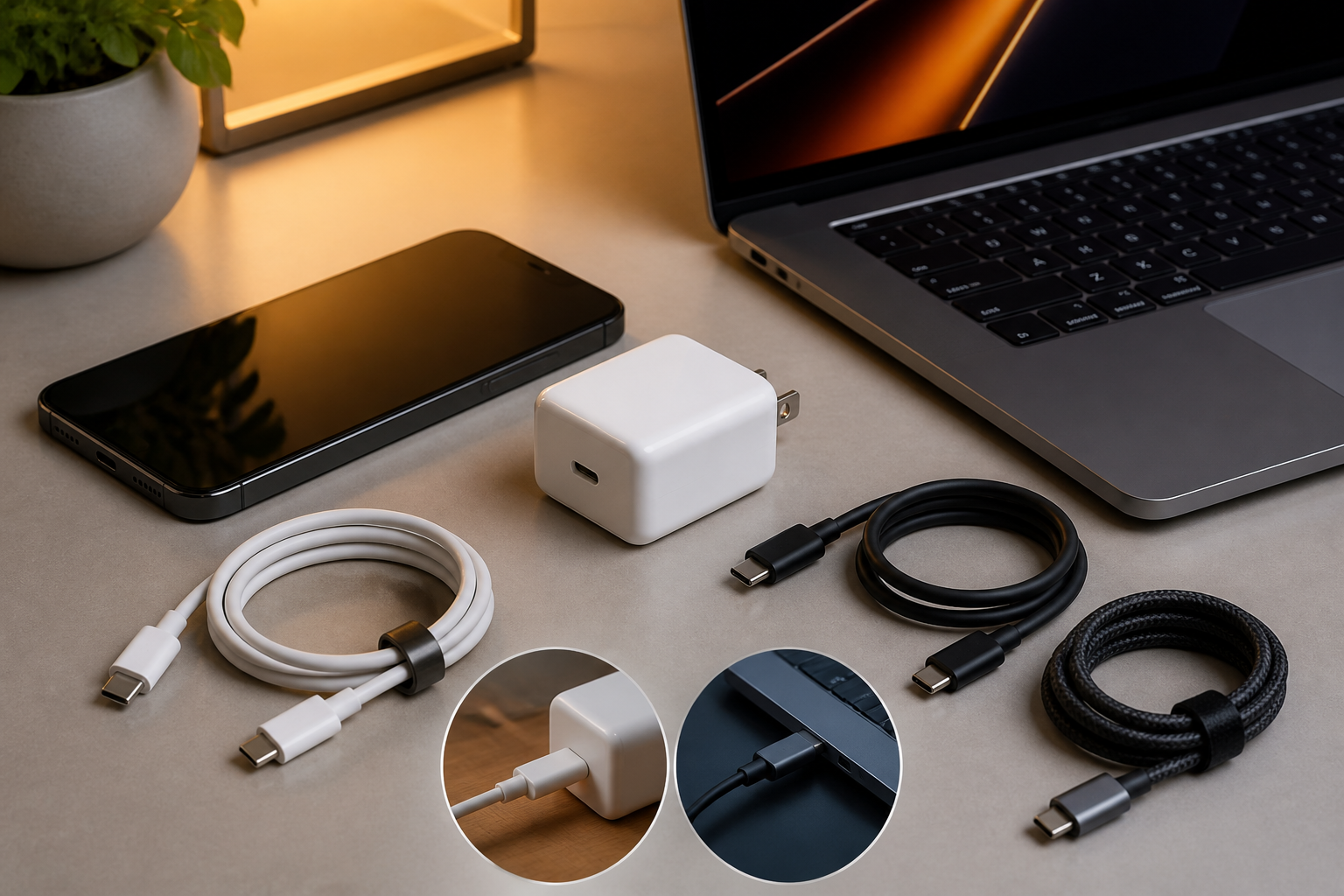
USB-C has become a common connector in many smartphones, tablets, laptops, power banks, and digital accessories. The problem is that the similarity in shape often leads us to believe that all USB-C cables and chargers have the same capabilities. In reality, cables that look identical can differ greatly in data transfer speed, charging power, and even support for external monitors.
The consequences of choosing incorrectly usually become apparent when a phone takes too long to charge, large files transfer slowly, or a laptop does not receive the necessary power. Therefore, understanding some basic USB-C terms can help us shop more sensibly without chasing the highest specifications.
Connector shape is not a determinant of capability
USB-C is the name for the connector shape, not a guarantee that a cable supports a specific speed or power. It's like a road with the same entrance shape; the road's capacity can vary: some are only sufficient for small vehicles, while others are designed for heavy traffic.
A USB-C cable may only support USB 2.0 for data transfer, while another cable supports USB 3.2 or USB4. Both can still be used to charge devices, but the file transfer results and accessory connection capabilities can differ.
The same applies to device ports. A smartphone with a USB-C port does not necessarily support high-speed data transfer. So, buying the most expensive cable does not automatically make the phone send files faster if the phone's port itself has limitations.
Three things to check before buying
1. Charging power in watts
Watts indicate how much power a charger or cable can deliver. Simply put, the greater the device's needs, the more important it is to match the capabilities of the charger and cable.
For smartphones, a charger of 20–45 watts is usually sufficient, depending on the fast charging technology used. Tablets or laptops may require more power. However, the wattage on the charger does not mean the device will always receive that amount of power. The device and charger will negotiate to determine a safe and appropriate power level.
Also, pay attention to the cable's capabilities. A cable that looks good may not be designed for high power. If the packaging lists ratings like 60 watts, 100 watts, or more, ensure that this information comes from a reputable manufacturer and is not just marketing text without technical explanation.
2. Data transfer speed
If the cable is only used for charging, data speed may not be very important. However, for transferring videos, backing up photos, or connecting external SSDs, this specification becomes very relevant.
USB 2.0 cables are generally adequate for light synchronization but can feel slow when transferring large files. Cables supporting USB 3.2 or USB4 are more suitable for those needs, as long as the devices at both ends also support the same standard.
Keep in mind that USB4 cables do not automatically make all devices run at USB4 speeds. The final speed follows the component with the lowest capability: device, port, cable, or intermediary accessories like hubs.
3. Support for additional features
Some USB-C cables support display connections, while others are only designed for basic charging and data. If you want to connect a laptop to a monitor, docking station, or external graphics card, look for video support information such as DisplayPort Alt Mode, Thunderbolt, or USB4 according to your device's needs.
Do not assume all USB-C cables can be used for all scenarios. Cables for charging a phone may not be suitable for connecting a laptop to a high-resolution monitor.
A larger charger does not always mean better
A high-power charger is indeed appealing, but its benefits depend on the device being used. If a smartphone only accepts a certain amount of power, a 100-watt charger will not make it charge four times faster than a 25-watt charger.
High-power chargers make more sense when used for multiple devices simultaneously, such as a laptop, tablet, and phone. In this case, pay attention to the power distribution among ports. A charger with a total power of 100 watts may not be able to deliver the full 100 watts to one port when other ports are in use.
For everyday use, choose a charger that supports charging standards compatible with your devices. USB Power Delivery, or USB PD, is a standard that allows chargers and devices to negotiate power needs. However, some manufacturers also use proprietary fast charging protocols, so the best results may require a charger that supports those protocols.
Signs of USB-C cables to avoid
- Specifications only highlight the term “fast charging” without listing watt ratings.
- No information about the manufacturer, model, or supported standards.
- The connector feels loose, heats up easily, or the cable coating cracks quickly.
- The price is too low for claims of very high capabilities.
- The cable cannot charge steadily when used while gaming or running heavy applications.
A damaged cable should not continue to be used, especially if there are visible frayed parts or discolored connectors. Disruptions in the cable can cause unstable charging and lead to issues with the device's connector.
What you can do now
- Check the device manual. Look for maximum power requirements, charging standards, and USB-C port capabilities on your phone or laptop.
- Determine the main function of the cable. Is it just for charging, transferring files, or connecting a monitor? This need will dictate the specifications to look for.
- Choose an appropriate watt rating. For phones, there is no need to buy a very high-power cable if the device does not support it. For laptops, use a cable with a sufficient power rating.
- Do not be fooled by shape. Check for USB 2.0, USB 3.2, USB4, USB PD, or video support if those features are important.
- Keep a reliable spare cable. A good quality cable is more useful than having many cheap cables with unclear capabilities.
What it means for us
USB-C does simplify the connector, but it has not fully simplified accessory choices. The safest approach is to view cables as part of a system: the capabilities of the charger, cable, port, and device must support each other.
For most smartphone users, the priorities are quite simple: choose a charger with a compatible standard, a cable with a clear power rating, and products from a trusted manufacturer. If you often work with laptops, external SSDs, or monitors, then data speed and video support need to be checked more carefully.
With these habits, we not only avoid unnecessary purchases but also reduce the risk of unstable charging and disappointing accessory performance.
Sources & further reading
- USB Type-C Cable and Connector Specification Release 2.5
- USB Power Delivery Specification Revision 3.2 Version 1.2
- USB Type-C Cable Power Rating Logo Usage Guidelines
- Charging cable for iPhone
– Rio Yotto @rioyotto