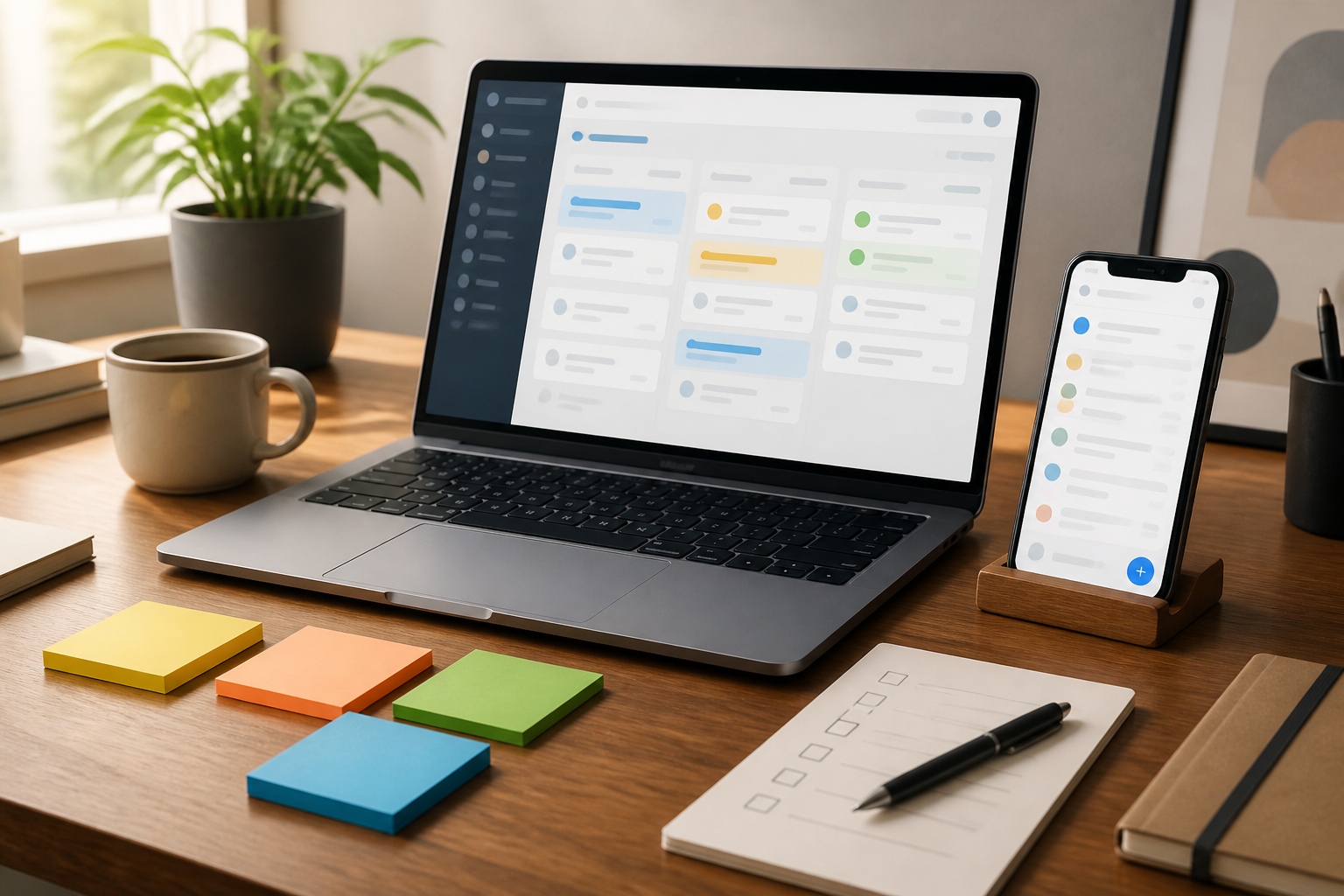
Many people install task management apps hoping to make their work more organized. The first few days feel great: all tasks are entered, labels are created, colors are chosen, and schedules are set. However, after a week, the app often turns into a long list that is rarely opened.
The problem usually isn’t that the app lacks sophistication. In fact, too many features can make the system feel cumbersome. A good app is not the one with the busiest interface, but the one that helps us quickly understand what needs to be done next.
Therefore, choosing a task management app should start from work habits, not from a list of features on the promotional page.
Identify the problems you want to solve
Before searching for an app, first determine your main problems. Do you often forget small tasks? Struggle to break down large projects? Work with a team? Or just want to see your daily agenda more clearly?
Each problem requires a different approach. If you often forget, reminder and scheduling features may be more important than a visual workspace. If the work involves many people, task assignment, comments, and notifications become more relevant. Meanwhile, independent workers may only need a task list, due dates, and quick search functionality.
Try writing down your three biggest complaints about your current work process. Don’t start with the question, “Which app has the most features?” Start with, “Which part of my work most often causes bottlenecks?”
Differentiate tasks, notes, and projects
One reason task management apps feel cluttered is that everything is put in the same place. Ideas, meeting notes, shopping lists, monthly projects, and tasks that need to be completed today are mixed in one list.
A task is something that can be done. For example, “send proposal revisions” or “pay the internet bill.” Notes contain information that needs to be stored but don’t necessarily require action. Meanwhile, a project is a collection of several tasks that lead to one outcome.
A good app should help differentiate the three, even if not always through specific features. If an app makes it easy for you to break down projects into smaller steps while still keeping context as needed, that’s sufficient for many needs.
Important features that are truly useful
Here are some features worth prioritizing when choosing an app:
- Quick input. Adding tasks should be possible in a matter of seconds. If you have to go through too many fields, you might delay recording them.
- Due dates and reminders. Due dates help determine when tasks should be completed, while reminders help prevent tasks from being overlooked.
- Simple grouping. Folders, projects, work areas, or labels can help separate contexts without making the structure too complicated.
- Search. This feature is important when the number of tasks starts to grow. An app without good search functionality will make it difficult for you to find old information.
- Cross-device synchronization. If you work using both a phone and a computer, data changes should be consistently accessible.
- Data export. This feature is often overlooked, but it’s useful if one day you want to switch apps or keep an archive copy.
Features like calendars, automation, productivity statistics, or integration with many services can indeed help. However, these features should be considered as complements. The basic system must still be comfortable to use without lengthy configurations.
Choose a view based on the type of work
Task management apps usually offer several ways to view work. A list view is suitable for sequential tasks and daily routines. A board or column view is more helpful if work goes through several stages, such as “not started,” “in progress,” “waiting,” and “completed.”
Calendars are useful for time-bound tasks. However, calendars are not always suitable for all types of work. Putting all tasks into a calendar can make the schedule look full, even though some tasks are actually flexible.
For personal work, a daily list view is often sufficient. For team work or projects with many statuses, a visual board can provide a quicker overview. Importantly, don’t choose a view just because it looks appealing. Choose the one that best fits how you make decisions.
Beware of apps that keep you busy organizing
There’s a difference between managing work and managing an app. If every week you spend more time changing labels, tidying icons, and creating new systems than completing tasks, it means the app is starting to take too much attention.
Use a simple principle: every additional feature should reduce cognitive load, not add to it. For example, automatic repetition is useful for routine tasks like creating weekly reports. Conversely, creating ten categories to differentiate tasks that are actually similar may not provide significant benefits.
You also don’t have to put your entire life into one app. Personal task lists, reference notes, and project management can use different tools as long as the boundaries are clear and the flow is not cumbersome.
Test with real work
Don’t judge an app just from the first five minutes. Use one app for seven days with the actual work you do. Enter routine tasks, sudden jobs, small projects, and one task that has a deadline.
During the trial period, pay attention to several things:
- How quickly can you record new tasks?
- Is it easy for you to identify today’s priorities?
- Do reminders help or are they too frequent and disruptive?
- How easy is it to find old tasks?
- Is the app still comfortable to use as the list starts to grow?
If after seven days the app feels cumbersome, the problem is likely not a lack of tutorials. It could be that the app simply doesn’t fit your work patterns.
What does it mean for us?
Task management apps are not a substitute for discipline, but tools to reduce the burden of remembering. They help move work from your head to a system that can be checked back. Therefore, the success of an app is not measured by the number of tasks recorded, but by how clear the next steps are.
Start with one main list and a few sensible groups. Use dates only for tasks that truly have deadlines. Review the list once or twice a day, then delete, postpone, or break down tasks that are too large.
Ultimately, the best app is the one you still open when work gets busy. It doesn’t have to be the most expensive, most popular, or most feature-rich. Just quick, clear, easy to search, and able to keep up with how you work.
– Rio Yotto @rioyotto